Smart home tech has moved from novelty to necessity. In 2025, more than 60% of U.S. households own at least one smart device. This smart home tech guide covers the essentials, from voice assistants to connected thermostats, and shows readers how to build a system that actually works. Whether someone is starting fresh or upgrading an existing setup, understanding smart home technology helps them save time, cut energy costs, and add convenience to daily life.
Table of Contents
ToggleKey Takeaways
- Smart home tech relies on connectivity, automation, and remote access to control lighting, security, climate, and entertainment from anywhere.
- Start your smart home setup with a voice assistant, smart plug, and smart bulb before expanding to cameras, locks, and sensors.
- Choosing one ecosystem—Alexa, Google Home, or Apple HomeKit—simplifies integration and reduces setup friction.
- Smart thermostats can cut HVAC costs by up to 8% annually according to Energy Star, making them a high-value investment.
- Secure your smart home by updating firmware regularly, using strong passwords, and creating a separate Wi-Fi network for IoT devices.
- The Matter protocol improves cross-brand compatibility, allowing devices from different manufacturers to work together seamlessly.
What Is Smart Home Technology?
Smart home technology refers to devices and systems that connect to the internet and communicate with each other. These products let users control lighting, security, temperature, and entertainment through apps or voice commands.
At its core, smart home tech relies on three components:
- Connectivity: Devices use Wi-Fi, Bluetooth, Zigbee, or Z-Wave to send and receive signals.
- Automation: Users can set schedules, triggers, and routines. A motion sensor might turn on lights at sunset, for example.
- Remote Access: Smartphones and tablets let homeowners monitor and adjust settings from anywhere.
Smart home technology has grown more affordable and user-friendly over the past few years. Entry-level smart plugs cost under $15. Full home automation systems now work together without requiring professional installation. The Matter protocol, launched in late 2022, has improved device compatibility across brands, so an Apple HomePod can now control a Google-compatible thermostat without headaches.
For anyone exploring this smart home tech guide, the key takeaway is simple: smart home devices save effort by automating repetitive tasks. They also provide data on energy use, security events, and daily patterns.
Essential Smart Home Devices to Consider
Building a smart home starts with choosing the right devices. Not every gadget is worth the investment. This section highlights the most useful categories for beginners and experienced users alike.
Voice Assistants and Hubs
Voice assistants serve as the brain of a smart home setup. Amazon Echo, Google Nest, and Apple HomePod are the leading options in 2025. Each connects to hundreds of compatible devices and responds to voice commands.
A hub centralizes control. Some voice assistants double as hubs, but standalone options like Samsung SmartThings or Hubitat offer more advanced automation features. Hubs also support Zigbee and Z-Wave devices, which use less power than Wi-Fi alternatives.
When selecting a voice assistant or hub, consider ecosystem compatibility. Someone already using Apple products may prefer HomePod. Android users often lean toward Google Nest. Amazon Echo devices offer the widest third-party support.
Smart Lighting and Climate Control
Smart lighting is one of the easiest upgrades. Philips Hue, LIFX, and Wyze bulbs let users adjust brightness, color, and schedules through an app. Motion-activated lights improve convenience and security.
Climate control devices, like smart thermostats, deliver real savings. The Ecobee Smart Thermostat and Google Nest Learning Thermostat adjust heating and cooling based on occupancy and preferences. According to Energy Star, a smart thermostat can reduce HVAC costs by up to 8% annually.
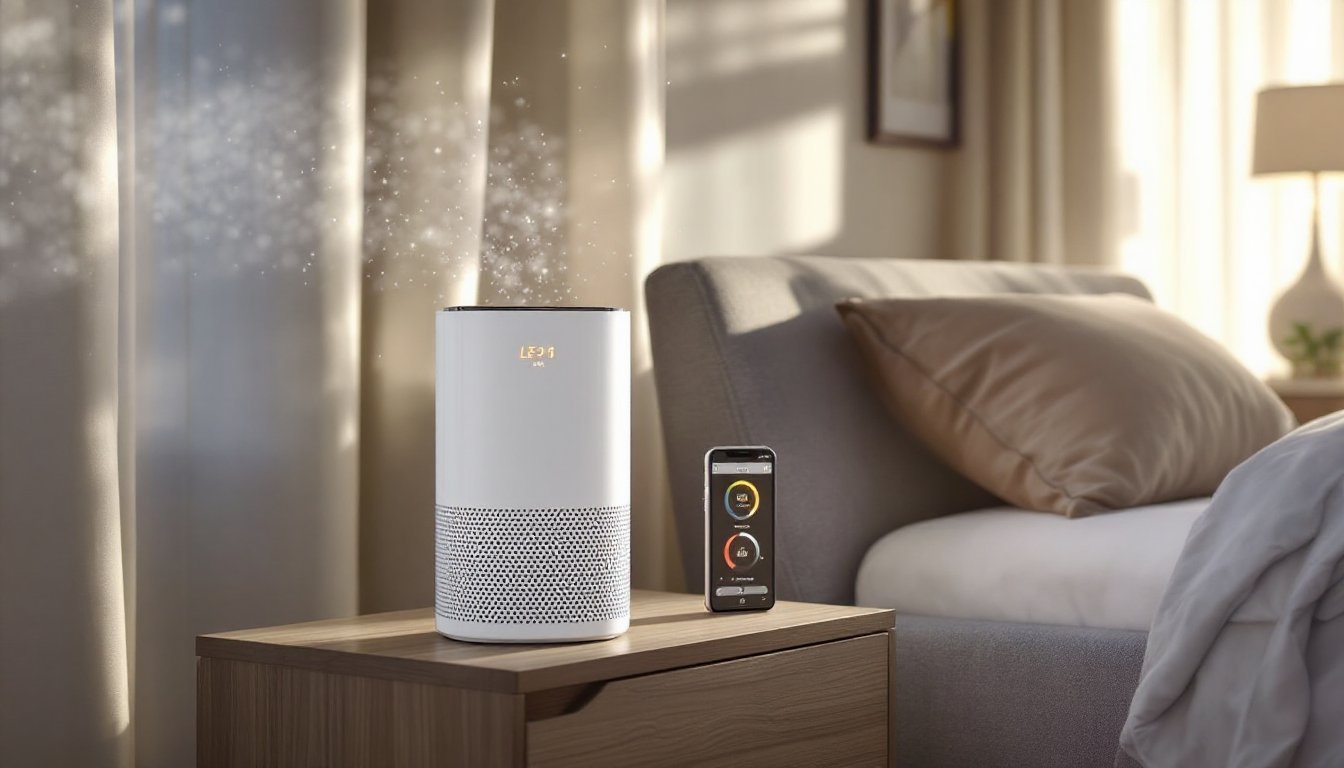
Smart fans, air purifiers, and window sensors round out climate control options. These devices work together to maintain comfort while reducing energy waste.
How to Build a Connected Home Setup
A connected home setup doesn’t require a massive budget or technical expertise. Following a clear plan makes the process straightforward.
Step 1: Define Goals
Start by identifying priorities. Does the homeowner want to save energy? Improve security? Simplify daily routines? Answers to these questions shape device selection.
Step 2: Choose an Ecosystem
Picking one ecosystem, Amazon Alexa, Google Home, or Apple HomeKit, simplifies integration. Mixing ecosystems creates friction. The Matter standard helps, but sticking with one platform reduces setup time.
Step 3: Start Small
Beginners should start with two or three devices. A voice assistant, a smart plug, and a smart bulb form a solid foundation. From there, users can add cameras, door locks, and sensors as needed.
Step 4: Set Up Automations
Automations bring smart home tech to life. Examples include:
- Lights turn on when a door opens after sunset.
- The thermostat lowers when everyone leaves the house.
- A coffee maker starts brewing at 6:30 AM on weekdays.
Most apps offer routine builders with drag-and-drop interfaces. Testing automations before relying on them prevents surprises.
Step 5: Secure the Network
Smart home devices increase network attack surfaces. Users should update firmware regularly, use strong passwords, and consider a separate Wi-Fi network for IoT devices.
Common Challenges and How to Avoid Them
Smart home technology isn’t perfect. Users encounter a few recurring issues, but each has a solution.
Compatibility Problems
Not all devices work together. Before buying, check compatibility with the chosen ecosystem. Look for Matter certification or explicit support for Alexa, Google, or HomeKit.
Wi-Fi Congestion
Too many devices on one network slow performance. A mesh Wi-Fi system, like Eero or Google Nest Wifi, handles high device counts better than a single router. Some users also separate smart devices onto a 2.4 GHz band.
Privacy Concerns
Smart devices collect data. Voice assistants record audio snippets. Cameras store footage. Users should review privacy settings, disable unnecessary data sharing, and choose brands with clear security policies.
Overcomplicated Setups
Adding too many devices or automations creates confusion. A smart home should simplify life, not complicate it. Periodically reviewing and pruning unused devices keeps the system manageable.
Outages and Downtime
Cloud-dependent devices fail when internet service drops. Local processing options, available on some hubs, keep automations running during outages. Battery backups for critical devices add another layer of reliability.